



Raptor Search is ready to use in the Control Panel
29 August 2023
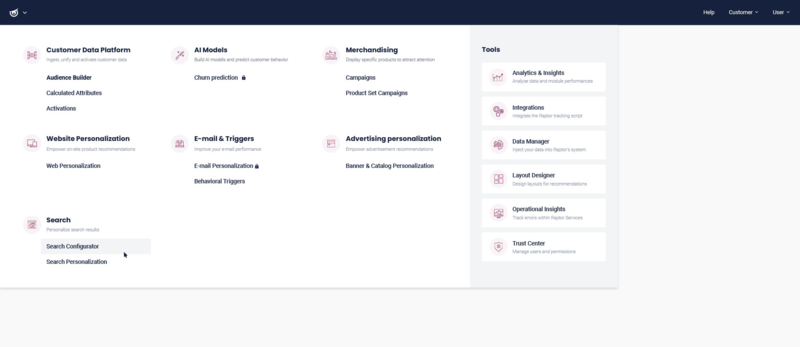
Get started
Raptor Search Personalization
It’s finally here – Raptor Site Search!
The customer journey often starts with your search engine, so offering an effective and user-friendly search experience is paramount.
Raptor Search provides you with a simple yet powerful search solution based on the open-source engine from Typesense.
It’s the perfect search solution to tie together with your favorite recommendation supplier, or if you’re looking for a flexible, modern, and easy-to-use search solution for your website.
And now it’s available in your Control Panel!
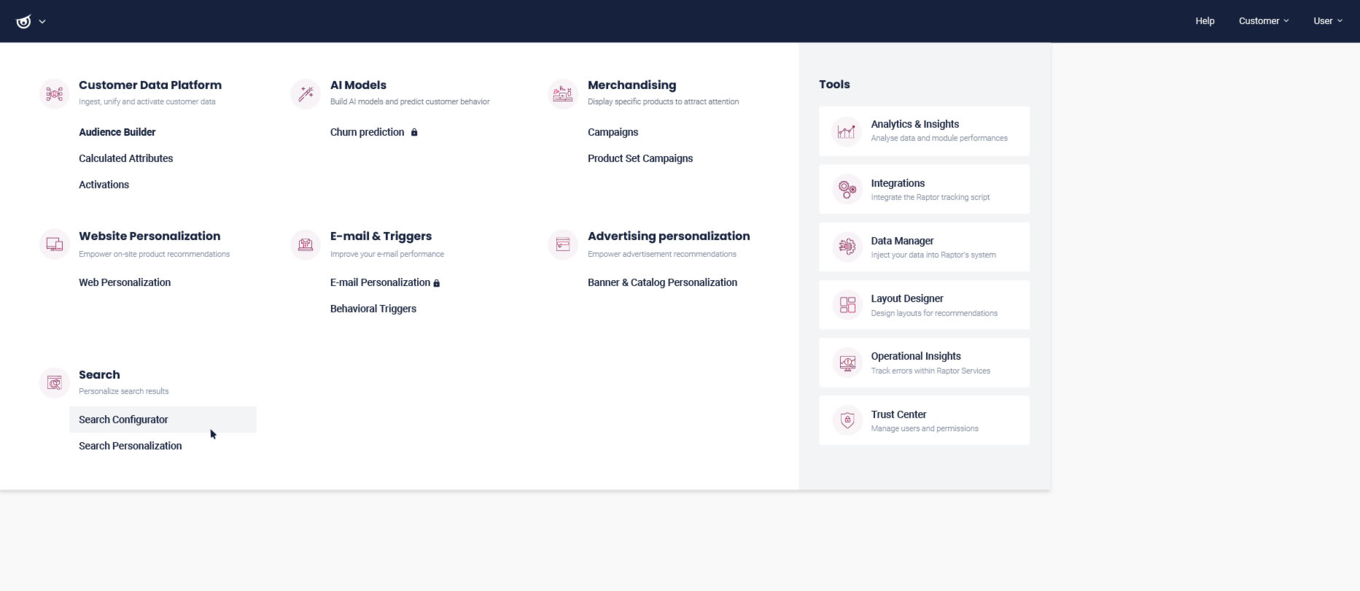
It’s very easy to set up a search index in Raptor Site Search.
From Raptor’s Control Panel, you can create a search index out of the columns from any product feed and select the parameters to show as facets on your website.
This search index allows you to personalize your search results using the Raptor personalization strategies you know and love.
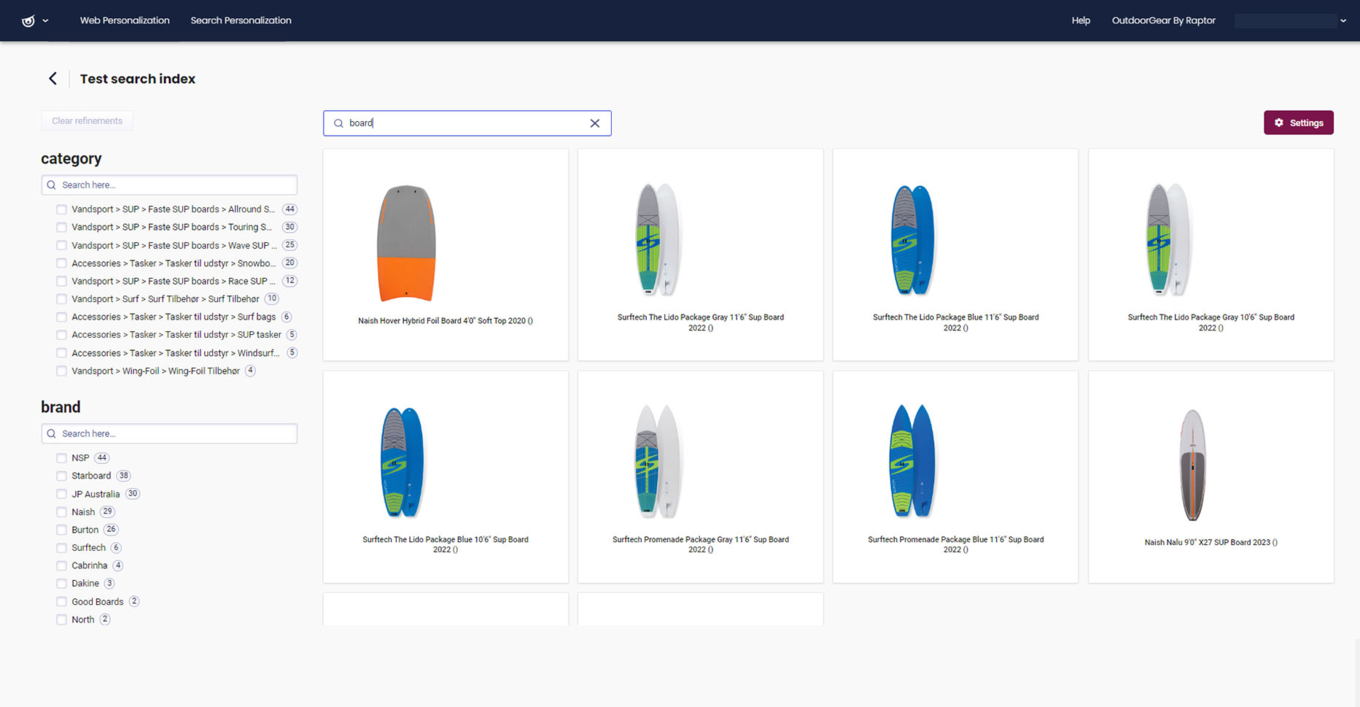
You can always change your search index to fit the experience you would like to deliver on your site – so get creative!
Ready to dive in?
This article shows you how to configure and test a search index from your product feed.